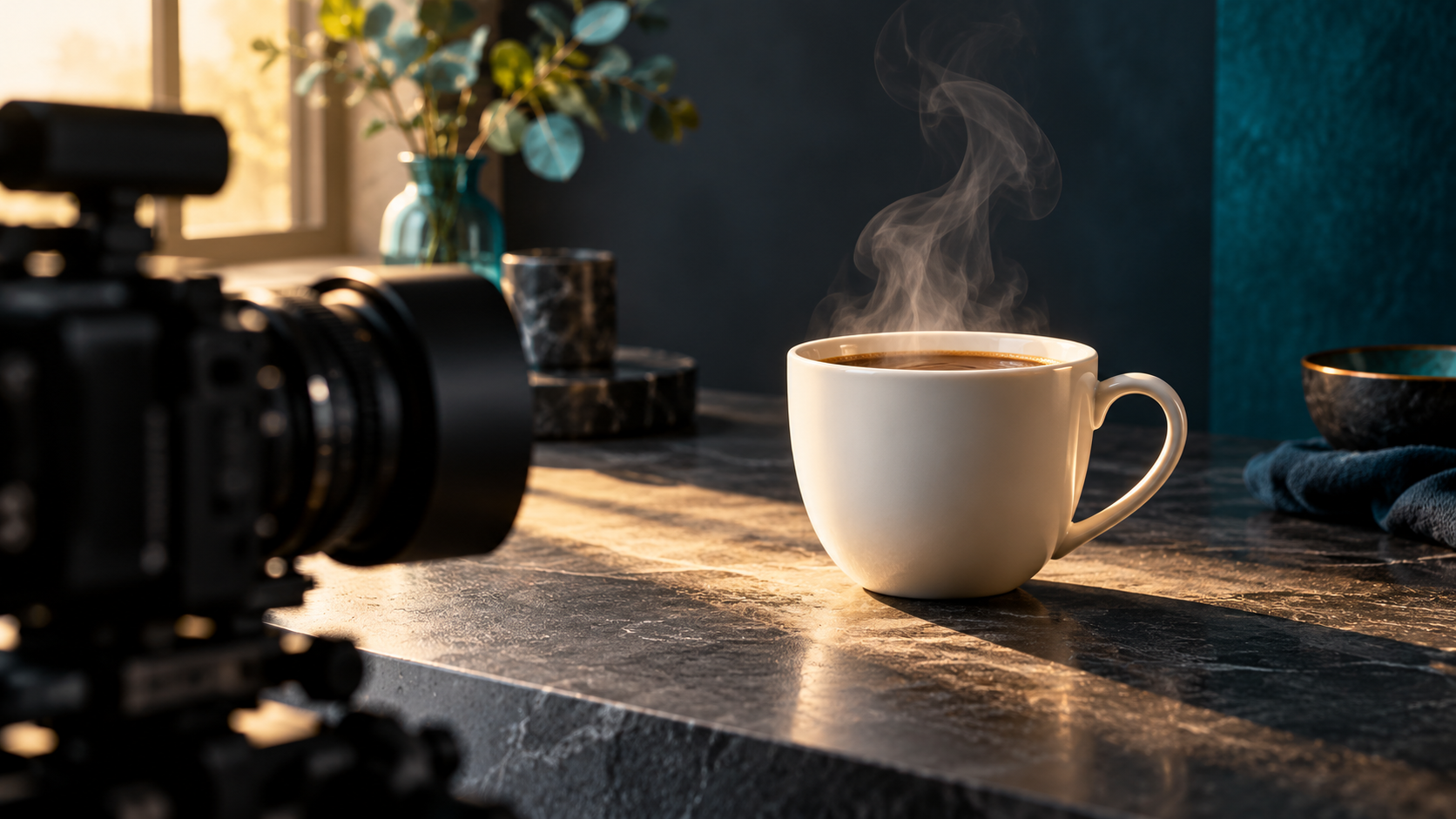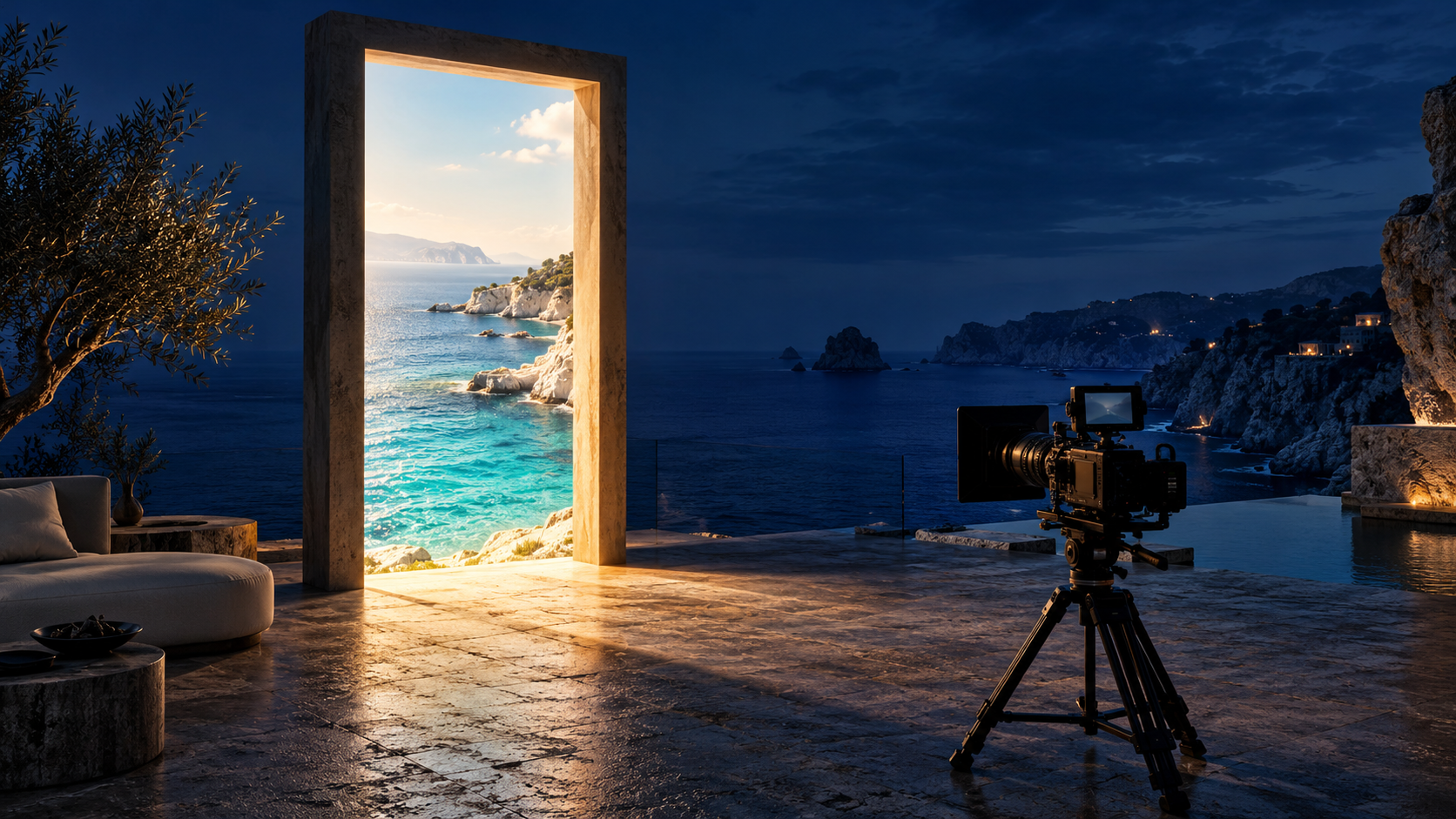
Pan to connect places, track to accompany action, or push in to emphasize a detail. Define the starting and ending frames, then review the entire camera path.
A camera move should answer a question for the viewer: where are we, what is this person doing, or which detail matters? Before writing a prompt, choose that question. A view of a shop, a walking shot, and a closer look at a product need different directions, even when they share the same location.
This guide helps you choose between a pan, a tracking shot, and a push-in. The three examples are original, untested planning prompts. They describe intended footage, not guaranteed model behavior. Use them as starting points, adapting them to the input mode and controls your selected model actually supports.
1. Choose the purpose of the movement
| What you want to show | Camera choice | What changes in the shot |
|---|---|---|
| The relationship between two places | Pan | The camera turns left or right from a fixed position. |
| A person moving through a space | Tracking shot | The camera travels with the subject. |
| A detail that deserves attention | Push-in | The camera approaches the subject, ending closer. |
Runway’s camera terminology reference distinguishes these movements. A pan is rotation; tracking and pushing in involve camera travel. A push-in also differs from a zoom, which changes lens focal length. Use the term plus a plain-language description so your brief communicates the intended path. These definitions are useful vocabulary, not evidence that every model will follow the instruction precisely.
2. Write the first and last composition
Sketch two rectangles or write two sentences: what is visible at the beginning, and what must remain visible at the end? For a flower arrangement, you may need the vase base and tallest stem in both frames. For a walking person, you may need both shoes and enough space in front of them.
- Name the subject or landmark the viewer should notice first.
- Decide what new information the movement will reveal.
- Choose a direction and a restrained speed.
- Describe the ending crop in ordinary words.
- Remove competing movements from this first attempt.
If an image supplies the opening frame, inspect its crop before requesting motion. Runway’s image-to-video guidance explains that the image establishes composition, subject matter, lighting, and style, while text describes what happens over time. A tight photograph of a vase gives you a different starting point from a wide photograph of the shop. Check your chosen model’s input instructions rather than assuming every reference image functions as a first frame.
3. Try one fictional flower-shop brief
Imagine a small flower shop with a cobalt vase on an oak counter, a window on the right, and one florist walking beside the display. The following prompts describe three alternative shots. Choose one for a generation rather than combining them into a single crowded request. They are written as complete scene briefs; when using an existing starting image, retain the motion instructions and avoid redescribing details that already appear clearly.
An eye-level wide view inside a small flower shop. From a fixed camera position, the camera slowly pans right, beginning on the entrance display and ending on a cobalt vase on an oak counter. The entire vase is visible in the ending composition. Soft window light remains consistent.
Use this version when the display and counter need to feel connected. On review, check whether the vase is revealed by the camera turning. If the viewpoint travels sideways through the room instead, note that mismatch. For the next attempt, simplify the scene description and keep the fixed-position rotation instruction.
A full-body side view of one florist walking slowly right beside the flower-shop counter. The camera travels right alongside the florist, matching their walking pace and maintaining the same distance. Their shoes remain visible throughout the continuous shot. Soft window light falls across the counter.
Use this version when the person’s activity matters most. The subject walks and the camera accompanies them; each has a separate action. Check whether the florist stays a similar size and position in the frame. If they walk out of view, revise the pace or simplify the route before adding more descriptive language.
An eye-level medium view of a cobalt vase filled with ivory flowers on an oak counter. The camera moves slowly forward toward the stationary arrangement. The shot ends slightly closer, with the vase base and tallest flower still inside the frame. Soft light enters from the right.
Use this version when the arrangement is the main subject. Decide how much closer is useful. An attractive approach that crops away the vase can still fail the product brief. Compare the first and last frames, then inspect the intervening movement for changes to the vase rim, stems, and counter edge.
4. Diagnose the mismatch before revising
| Observed problem | First revision to try |
|---|---|
| The pan becomes sideways travel | Clarify that the camera rotates from one fixed position. |
| The florist leaves the frame | Specify matching pace and full-body framing; shorten the route. |
| The push-in cuts off the flowers | Request a smaller approach and describe the complete ending silhouette. |
| The clip combines unrelated movements | Keep only the movement needed for the shot’s purpose. |
Keep the input and available settings stable when comparing a wording change. Record the selected model, prompt, input, duration, and seed if the tool exposes one. Change one instruction at a time. A preferred result helps you choose a clip, but a single comparison does not establish that a phrase always works or that one model is superior.
5. Review the entire camera path
- Purpose: does the movement reveal, follow, or emphasize the intended thing?
- Path: does the viewpoint pivot or travel as requested?
- Framing: are the important face, shoes, vase, or flowers visible when needed?
- Continuity: do the subject, counter, and window remain coherent?
- Ending: does the final composition leave a usable moment to cut?
- Record: have you saved the input, prompt, settings, and a short acceptance note?
Watch once at normal speed for the overall impression, then scrub through the clip to inspect framing and continuity. If the movement remains unreliable, consider whether a static shot would communicate the same idea. That is a creative option when the viewer needs to study a product or expression.
Put the shot brief to work
For the rest of your scene brief, read “Better AI video prompts start with a clear shot.” If you are beginning with a photograph, read “How to turn a photo into an AI video.” Both guides are linked below.
When your brief is ready, open Yanora’s Create page and choose Create Video. Check the selected model’s available inputs and settings before adapting one of these prompts. The current public Create page links to video and image creation; this guide does not assume dedicated pan, tracking, or push-in controls.
Sources & further reading
Primary documentation behind the model-specific guidance:
- Runway — Camera Terms, Prompts, & Examples ↗
- Runway — Image to Video Prompting Guide ↗
- Yanora — Create AI Images & Videos (public page checked October 16, 2026) ↗
Put your creative brief to work.
Explore the current tools and inspiration on Yanora.
Explore Yanora