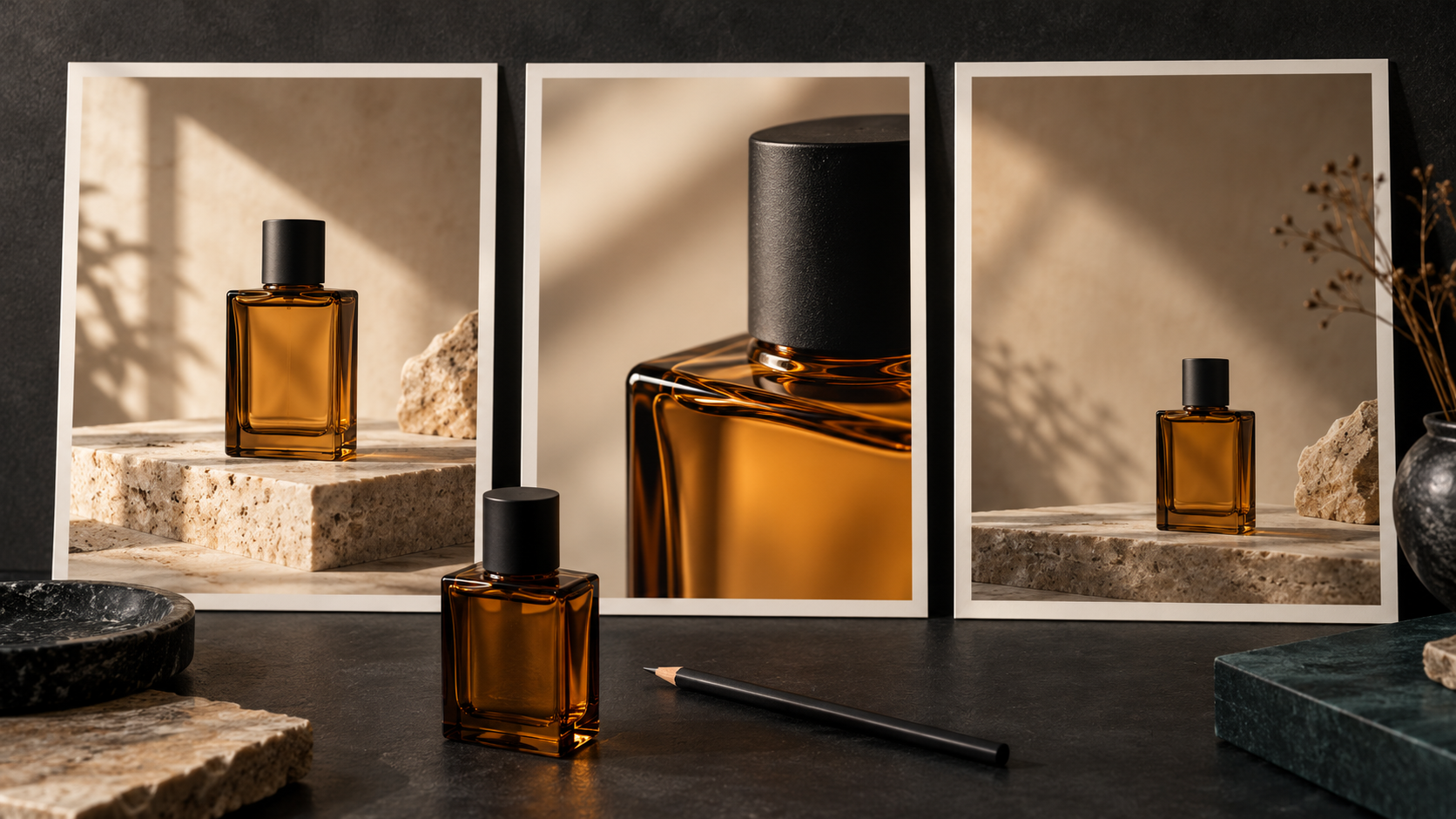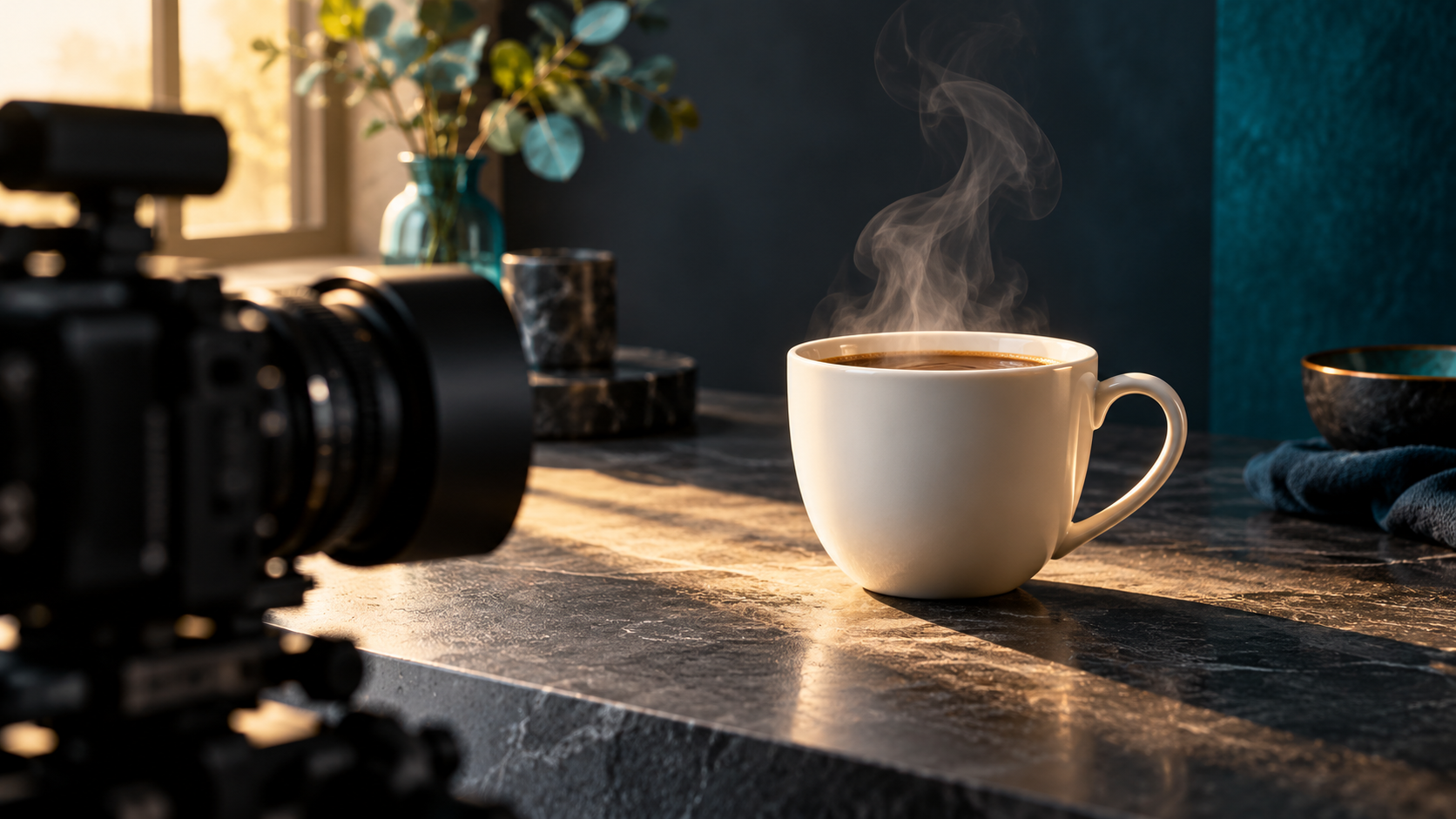
Name one main light source, place it relative to the subject, and describe the visible shadows and highlights before adding mood words.
“Beautiful cinematic lighting” describes a preference, but leaves many decisions open. Is the subject lit by a window, a cloudy sky, or a small lamp? Which side is bright? Should shadows feel gentle or sharply defined? A useful lighting brief answers those questions in visible terms. Start with one main source, give it a position, and describe what its light does to the subject. Then add the mood.
1. Write a lighting sentence before the full prompt
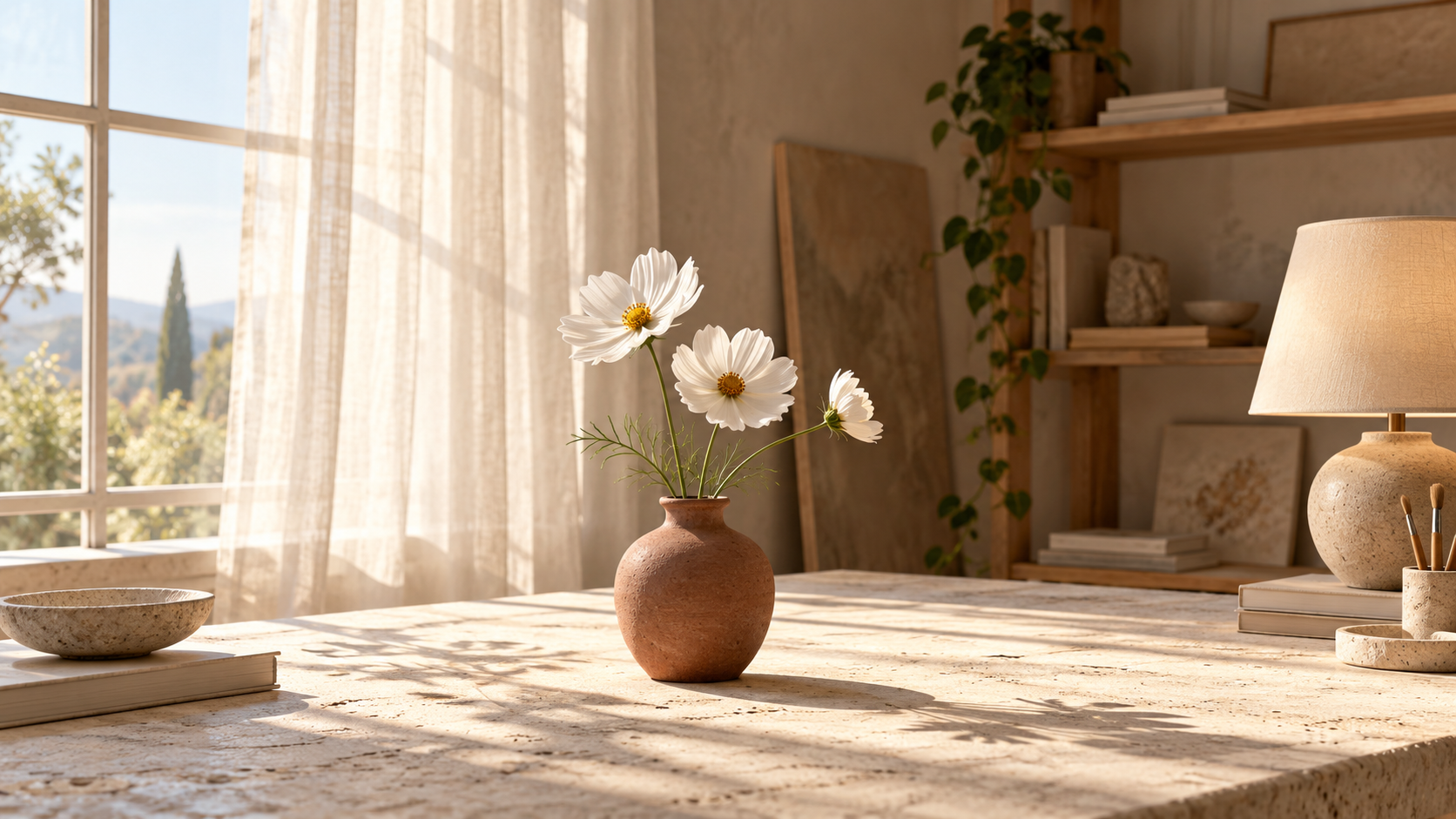
Use this structure: source + position + softness + visible effect + mood. For example: “Daylight enters through a large sheer-curtained window on camera-left, creating soft highlights on the vase and a gentle shadow to its right; the room feels quiet and airy.” Camera-left means the left side of the picture as the viewer sees it, not the subject’s own left.
Name what makes the subject readable. For a matte vase, that might be a gradual transition from a bright side to a darker side. For glass, it might be a narrow reflection that reveals the edge. A mood word such as intimate or fresh can finish the sentence, but should not replace the physical description.
2. Choose the source that serves the picture
| Creative goal | Main source to describe | What to inspect |
|---|---|---|
| A calm interior still life | Daylight through a large window beside the subject | Gentle shadow direction and readable surface texture |
| An even outdoor portrait | An overcast sky above an open location | Clear facial detail without an invented hard sunbeam |
| An intimate evening scene | A shaded table lamp beside the subject | A local warm highlight and a background that remains legible |
These are starting choices, not rigid rules. A window can produce a hard beam when direct sun enters it; “window light” alone does not define softness. Likewise, a lamp does not automatically mean a very dark image. State the effect you want rather than assuming the model will infer it from the object name.
3. Try one of three original scene briefs
Editorial still-life photograph of a small matte terracotta vase holding three white cosmos flowers on a pale limestone table. Eye-level medium framing, full vase visible. Daylight enters through a large sheer-curtained window on camera-left. Soft highlights reveal the clay texture; a gentle shadow falls to camera-right. The white petals retain visible detail. Warm-neutral room, quiet morning mood, uncluttered background.
The important instructions are not “luxury” or “high quality.” They are the source position, shadow direction, and retained petal detail. If the vase looks flat, first revise the directional contrast. Do not simultaneously change the flowers, table, camera angle, and lighting.
Natural editorial portrait of a fictional adult florist standing beneath an open cloudy sky beside a plain stone wall. Waist-up framing at eye level. Broad, soft daylight illuminates the face; subtle shading keeps the cheek and jaw shape readable. Muted neutral colors, detailed skin texture, clear eyes, relaxed expression. The wall is slightly darker than the face. Calm, candid atmosphere.
Inspect whether the face remains readable rather than judging only whether the sky looks cloudy. If a sharp sun streak appears, replace vague weather language with a clearer description of diffuse illumination. Avoid demanding a dramatic hard spotlight and evenly diffused sky light as equally dominant sources unless that mixed look is intentional.
Editorial still-life photograph of a matte terracotta vase with three white cosmos flowers on a small wooden side table at evening. A shaded table lamp just to camera-right provides the main light. A soft warm highlight traces the right side of the vase; the left side falls into gentle shadow. Dim neutral room with enough background detail to read the table edge. Intimate, restful mood; delicate petal texture remains visible.
4. Revise one lighting decision at a time
- Save the starting prompt and note the selected model and settings. Record a seed only if the tool exposes one.
- Choose one acceptance criterion: readable petal detail, a clear vase silhouette, or a believable shadow direction.
- Change only the lighting sentence. For example, replace “dramatic lighting” with “a soft main light from camera-left, with detail retained on the shadow side.”
- Compare the outputs against that criterion. Expect unrelated variation; a similar prompt does not guarantee identical composition.
- Keep the stronger version and record the change. If several generations miss the same requirement, simplify the scene or use an appropriate reference where the selected workflow supports it.
5. Diagnose the visible problem
| Problem | First revision to try |
|---|---|
| Everything looks flat | Ask for a visible bright-to-shadow transition across the subject. |
| White petals lose detail | Ask for controlled highlights and visible texture in the white petals. |
| The vase becomes orange under a lamp | Separate “warm illumination” from the intended terracotta material color. |
| Unwanted light sources appear | Describe one dominant source and remove competing source instructions. |
| The scene is too dark to understand | Ask for readable shadow detail and a visible table edge, not just a “moody” atmosphere. |
Review before keeping the image
- Can you identify the intended main light source or its direction?
- Do the highlights and shadows tell a coherent story?
- Are important textures and edges still readable?
- Does the subject keep its intended material and color?
- Does the mood support the scene rather than obscure it?
- Have you checked unwanted bright spots, invented lamps, and distracting reflections?
Once the lighting works, keep that sentence with your scene brief. If you plan to animate the image, review the lighting across the resulting clip rather than assuming the still image guarantees stable illumination. Pair this lighting brief with “Better AI video prompts start with a clear shot” for motion planning, or “How to storyboard a short AI product video” when the idea needs several shots. The goal is a light setup you can explain and review—not a longer collection of mood adjectives.
Put the brief to work in Yanora
On Yanora’s home page, open the Image menu and choose Create Image to reach the image-creation workspace. Bring one of the briefs above, then check the inputs and controls available in your selected workflow before generating. This guide does not assume a specific model, reference control, or lighting setting is available.
Sources & further reading
Primary documentation behind the model-specific guidance:
How we create these guidesPut your creative brief to work.
Explore the current tools and inspiration on Yanora.
Explore Yanora